Excel Macros VBA Programming
Learn Anytime
Any Where
Recorded Videos
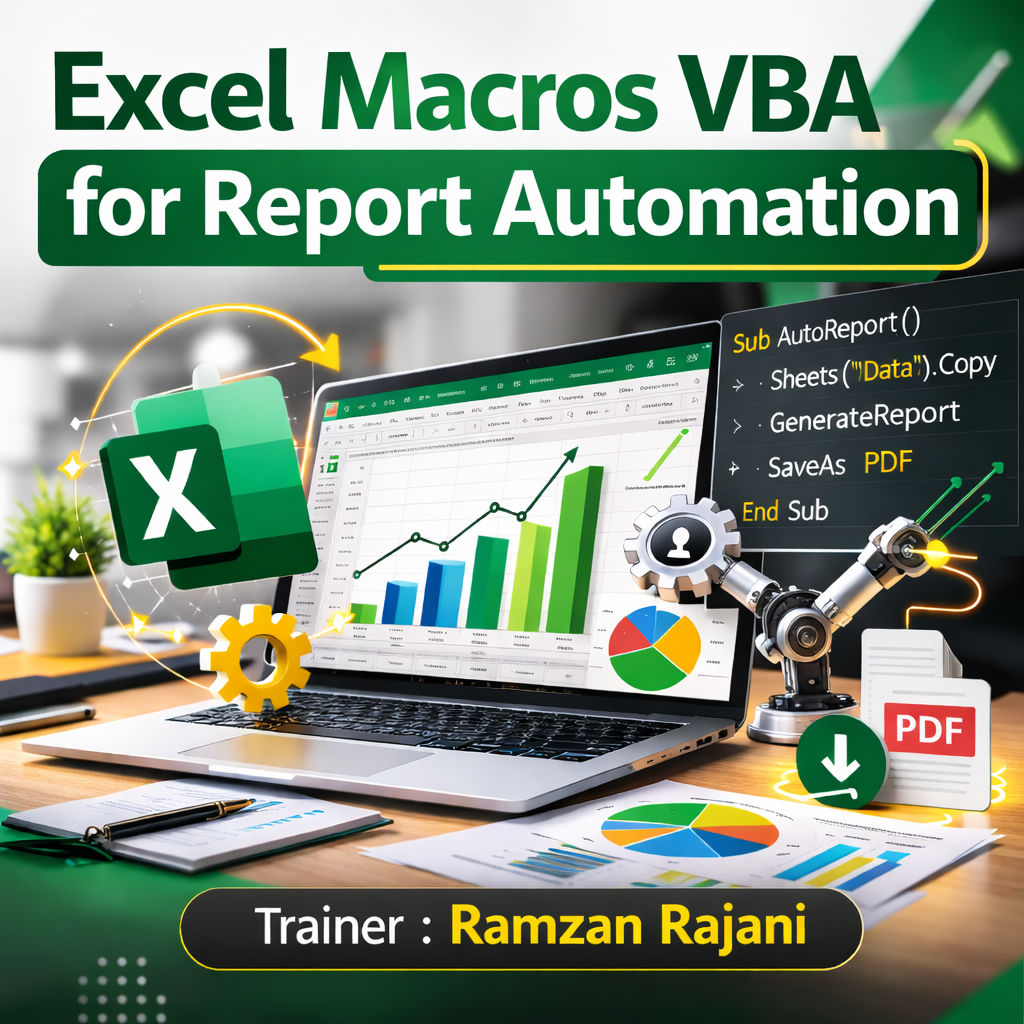
- The objective of this course is to make you expert in writing Macros code Exclusive for Report Automation
- Learn how to Combine Multiple Sheets into one
- Filtering Project : Where you will learn to create Seperate Sheet for each Filtered items with Simple Coding
- Consolidation Project : You will learn how to write the Code to Consolidate Multiple Sheets of Multiple Files
Who is this workshop for?
Activate Your Exclusive Bonuses
Excel Tips & Tricks E-Book
An Excel cheatsheet with shortcuts to simplify your learning and save your time.
AED 99
100+ PowerPoint Infographics
Create stunning presentations easily using premium Infographic Templates
AED 199
Grab Your Bonuses Now! Time is running out!
- 00Hours
- 00Minutes
- 00Seconds
Meet your Trainer

- Microsoft Excel Specialist
- Microsoft Certified Trainer
- Power BI Analyst
- 55,000+ Students Trained
What will you learn in Excel Macros VBA Workshop?
Recording and Running Macro |
Recording Macro Practice |
Creating Button to Run the Macro |
Query Solution on Relative Reference |
Starting Basic Macro Editing |
Commenting and adding Module |
Creating Copy Paste Macro |
Deleting data before pasting Macro |
Adding & Renaming Sheet |
Debugging Macro |
Breakpoints in Macro |
Create New File & Pasting Data |
Activate Concept |
Filtering Macro Code |
For Looping Project |
REVISION |
Project Filter Part 1 |
Project Filter Part 2 |
Using Formula in Excel VBA |
Get name from Separate Sheet |
Creating Separate Sheet |
Creating Separate File |
Using IF Condition |
Query On IF Condition |
Using ElseIF in Macro |
Consolidation Macro Part 1 |
Consolidation Macro Part 2 |
Consolidation Macro Part 3 |
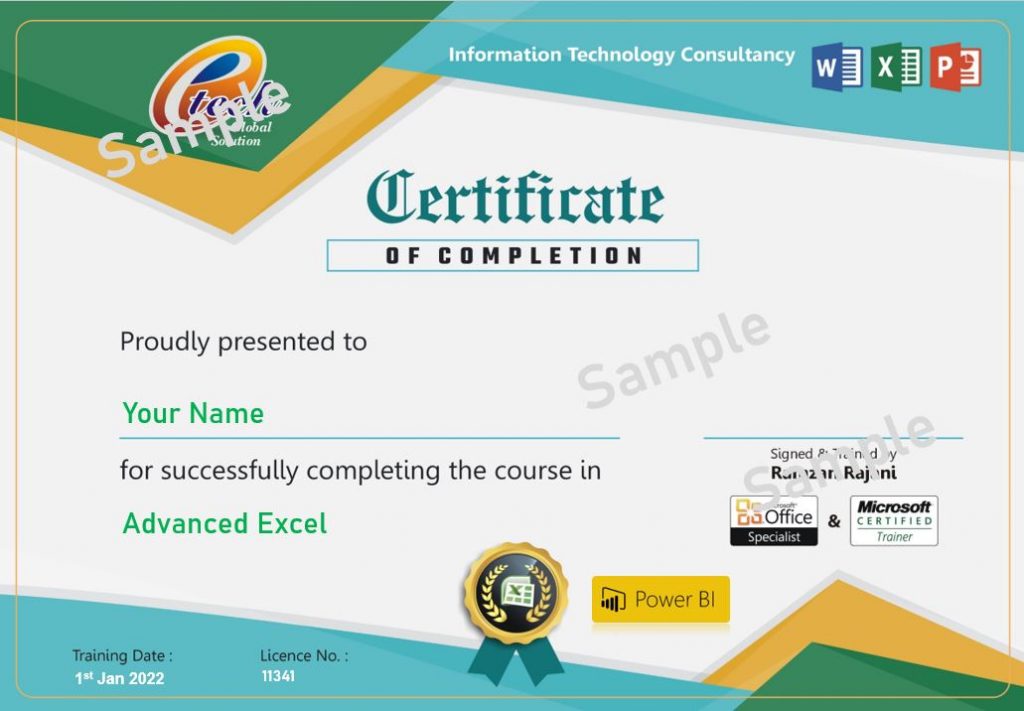
Earn your Excel Macros VBA Programming Certification
You may not believe me, but you can believe them
Experiences shared by people who previously attended this workshop
Still Wondering If the Workshop is for YOU?
If you checked ANY of the boxes above, then you’re invited to join Excel Macros VBA Training.
Frequently Asked Questions
We have answered all common questions below that you might have about the workshop. For any further queries, please reach us at contact@upgradeskill.ae
Write to us at contact@upgradeskill.ae and our support team will be able to resolve your issue in the shortest amount of time.
The training is Pre Recorded videos from Beginner Level
Yes, you will receive a certificate of completion from a Microsoft Certified Trainer after completing the workshop.
As it Pre Recorded Videos, hence you can watch anytime – anywhere